Running RStudio Server on Bell
A different version of RStudio is also installed on Bell. RStudio Server allows you to run RStudio through your web browser.
Projects
One benefit of RStudio is that your work can be separated into projects. You can give each project a working directory, workspace, history and source documents. When you are creating a new project, you can start it in a new empty directory, one with code and data already present or by cloning a repository.
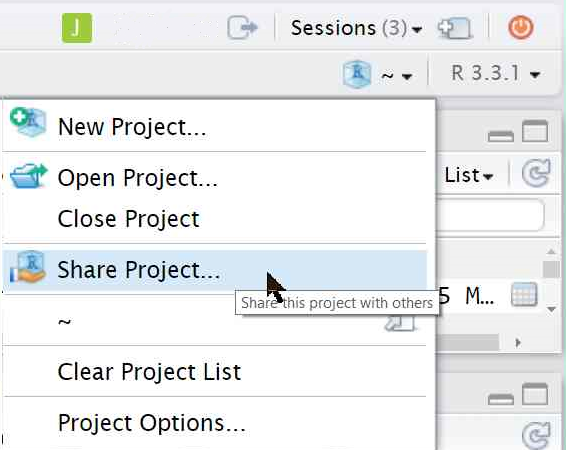
RStudio Server allows easy collaboration and sharing of R projects. Just click on the project drop down menu in the top right corner and add the career account user names of those you wish to share with.
Sessions
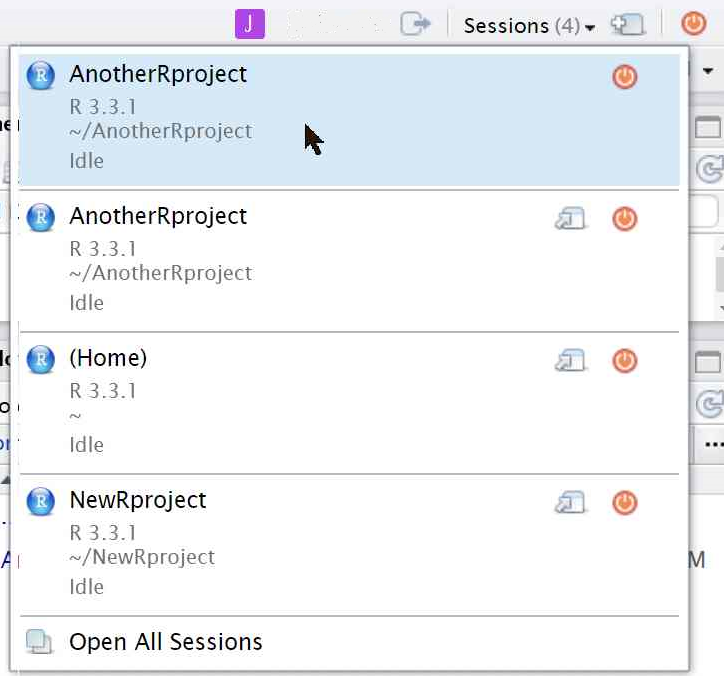
Another feature is the ability to run multiple sessions at once. You can do multiple instances of the same project in parallel or work on different projects simultaneously. The sessions dropdown menu is in the upper right corner right above the project menu. Here you can kill or open sessions. Note that closing a window does not end a session, so please kill sessions when you are not using them.
You can view an overview of all your projects and active sessions by clicking on the blue RStudio Server Home logo in the top left corner of the window next to the file menu.
Packages
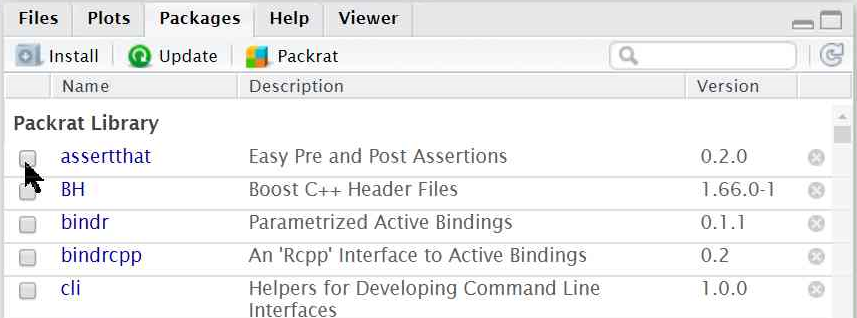
You can install new packages with the install.packages() function in the console. You can also graphically select any packages you have previously installed on any cluster. Simply select packages from the tabs on the bottom right side of the window and select the package you wish to load.
For more information about RStudio: