What is the shell?
The shell is effectively a program running in your terminal that lets you run other programs via a command line interface. You can think of desktop file explorers as a type of graphical shell.
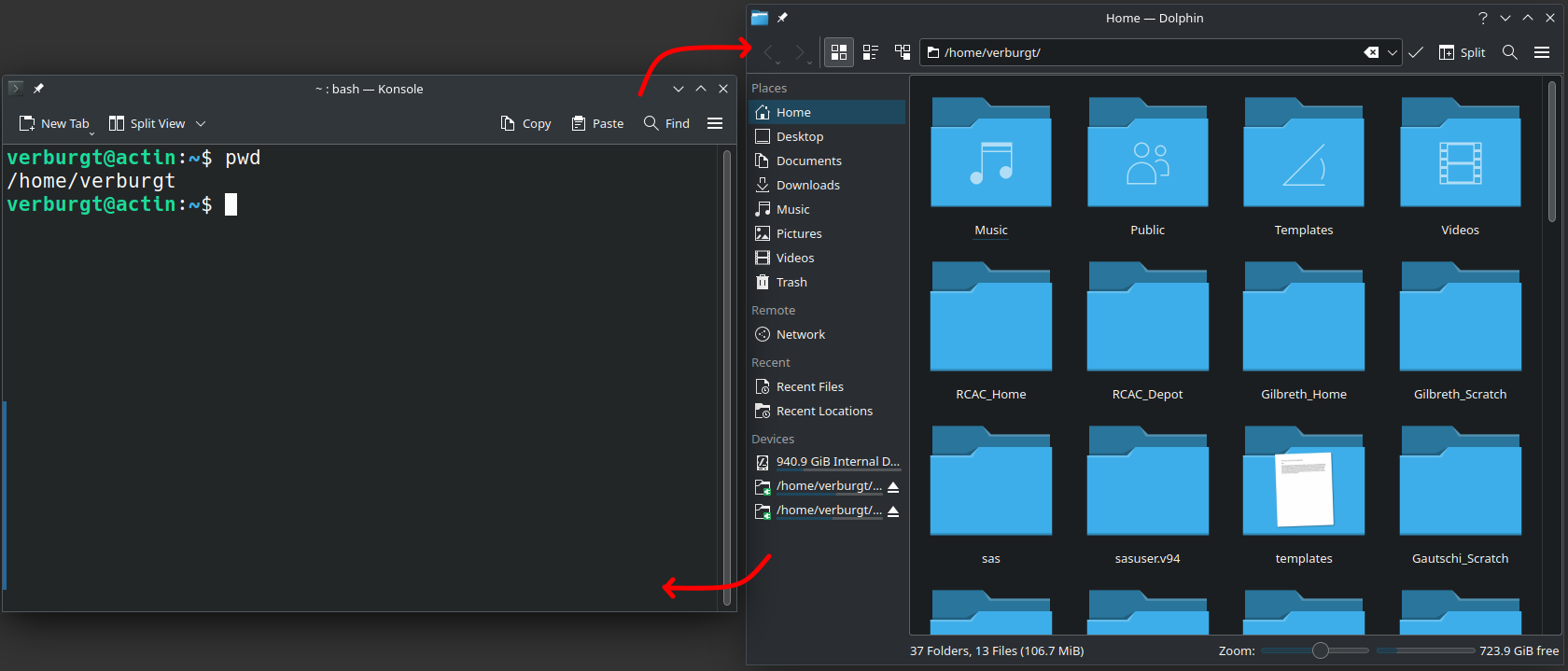
Shell variants
There are many variants of shells, such as sh, bash, zsh, tcsh/cshbut the default shell for many Linux systems is bash.
Anatomy of the prompt
One important aspect of the shell is the prompt, which shows you information about your shell session. A typical shell could look like this:
It starts with your username, telling you who you are logged into the cluster as.
After the at symbol, it tells you what specific computer you are logged into. In the case of the example, 'username' is logged into the third login node of Negishi. We'll get more into the specifics of login vs. compute nodes next week.
After the colon, and in brackets, it shows you what directory you're currently in. In the example, we're in the tilde directory, which is short notation for your home directory.
Lastly, the dollar sign shows you that it's the end of the prompt and where you start typing.
Of note, this prompt can be modified and configured in many different ways, so it may not be exactly the same on every system, or in every shell. However, the pattern of username@hostname: current_directory is extremely common.
Next section: Commands